

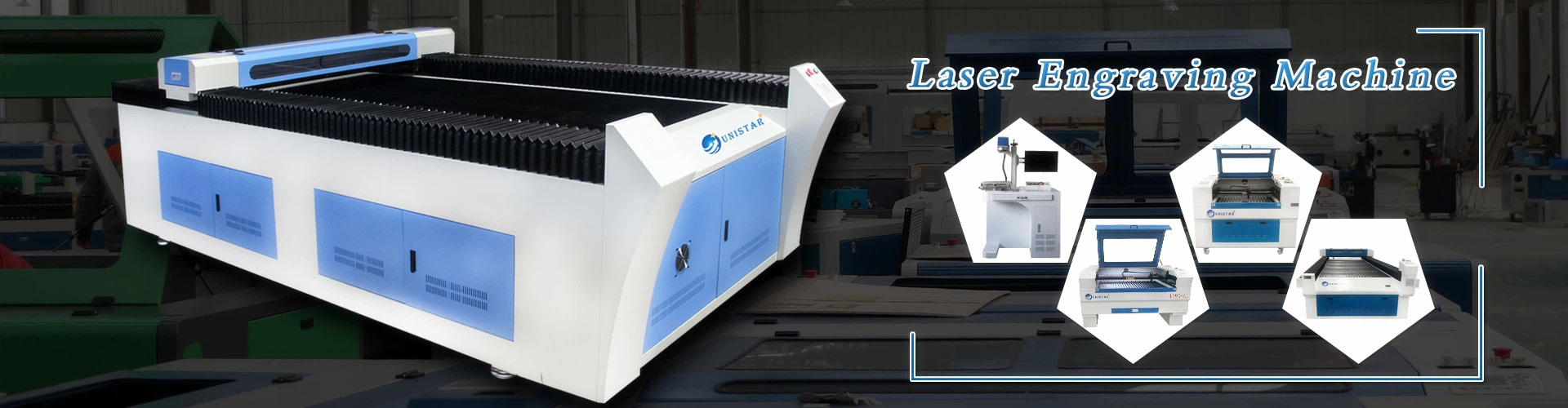
Laser engraving machine daily maintenance
Check before starting the laser engraving machine
1. Check whether the power supply is normal, whether the cooling water tank is full of deionized water, and whether the circulating water pump and the inlet and outlet water pipes are normal.
2. Check that the emergency stop button of the laser is not pressed, and there is no debris on the upper part and inside of the machine.
3. Check whether the lens is clean. If there is dirt, it must be cleaned before use.
4. Check the mechanical part and confirm that there is no debris on the processing table.
5. Check whether the electromagnetic air pump is working normally.
Specific steps
1. Turn on the main power switch of the machine tool and turn on the machine tool control power switch. After the system self-check is completed, the axes of the machine tool return to the reference point.
2. Turn on the power of the control cabinet, turn on the circulating water pump, and confirm that water flows out of the outlet. Start the chiller and check the water temperature and water pressure (normal water pressure is 5bar). Three minutes after the chiller is powered on, the compressor starts, the fan rotates, and the cooling starts.
3. Start the air compressor and cold dryer. After the chiller drops to the set temperature (set to 21 degrees), turn on the main power of the laser.
4. Insert the laser power key into the keyhole, turn the key clockwise to turn on the laser power, and wait for the system to be normal (about 30 seconds).
5. When the words "HV READY" appear on the laser panel, apply high voltage.
6. Confirm the material type, material thickness, and material size before cutting. Spread the material to be engraved flat on the workbench.
7. Use a standard ruler to adjust the height of the laser head, adjust the plate so that its edge is parallel to the X-axis and Y-axis of the machine tool to prevent the cutting head from working outside the plate range.
8. Move the Z axis to the starting point of cutting, simulate the program to be executed, ensure that there will be no soft limit alarm, enter the editing mode, and adjust the power, speed, punching time type and thickness according to the material.
9. After the above items are normal, you can switch to the execution state and cut the workpiece.
After the work is completed, shut down in the following order:
1. After the processing is completed, the prompt bell sounds, open the cabin cover, and take out the processed items.
2. Turn the key counterclockwise to turn off the laser, and turn off the circulating water pump after 1 minute.
3. Clean the processing residues in the machine.
4. Turn off the power of the control cabinet.
5. Turn off the cold dryer and the air compressor.
Precautions
1. Open and close strictly according to the operating sequence.
2. Unqualified personnel are prohibited from operating and repairing the machine tool.
3. During the operation of the machine tool, it is strictly forbidden to enter the workbench to ensure the safety of man and machine; when the operator encounters a dangerous situation, he must concentrate and press the "emergency stop" button as soon as possible.
4. The adjustment of the machine tool optical path and the adjustment of the cutting head in the follow-up mode must be carried out in the correct operating sequence to ensure the safety of man and machine.
5. Each time the machine is turned on, it must return to the reference point, check and clean the focusing mirror, calibrate the coaxiality of the beam nozzle, turn on the cutting auxiliary gas, and the pressure in the bottle should not be too large. Less than 1Mpa.