

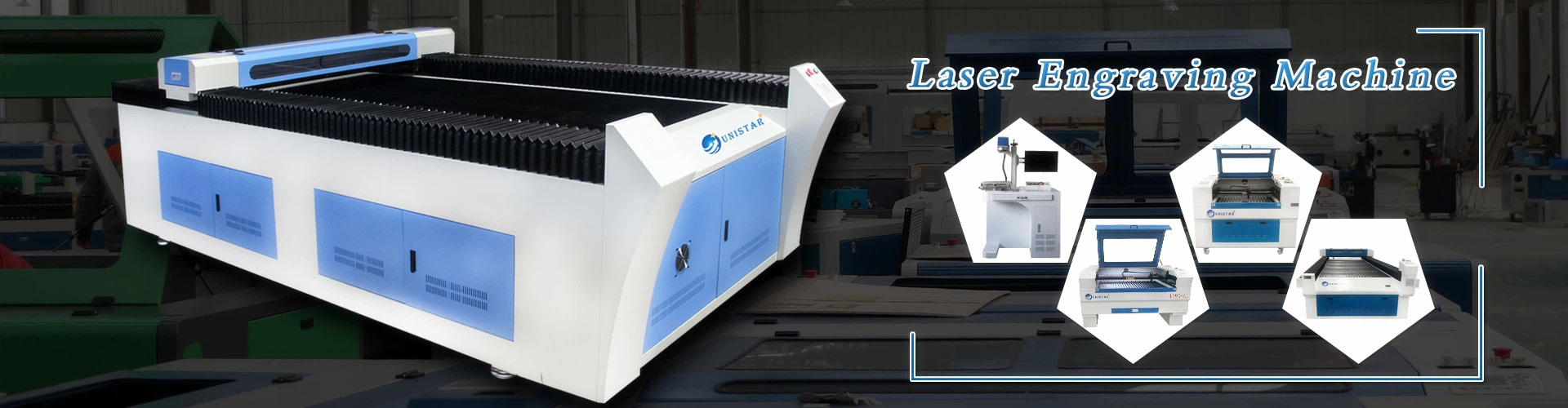
Essential Precautions for CNC Router Machine Installation
Installing a CNC router machine is a critical process that directly affects its performance, safety, and longevity. Whether you are setting up a small benchtop model or a large industrial-grade system, adhering to specific precautions ensures a smooth installation and reduces the risk of accidents or equipment damage. Below are key considerations to keep in mind during the installation process.
Site Preparation and Environment
Before bringing the CNC router to its installation location, thoroughly evaluate the site conditions. The floor must be level and capable of supporting the machine's weight, including any additional tools, materials, or accessories. Uneven surfaces can lead to vibration issues, inaccurate cutting, and premature wear on components. Use a spirit level or laser level to check the floor, and if necessary, use shims to adjust the machine's base until it is perfectly level.
Ensure the installation area has adequate space for operation and maintenance. There should be enough room around the machine to allow easy access for loading materials, removing finished parts, and performing routine inspections. Additionally, the environment should be clean, dry, and well-ventilated. Dust, moisture, and extreme temperatures can damage electronic components and affect cutting precision. Consider installing dust collection systems and climate control if the area is prone to these issues.
Mechanical Installation and Alignment
When positioning the CNC router, handle it with extreme care to avoid damaging delicate parts such as rails, spindles, or control panels. Use proper lifting equipment, such as forklifts or cranes, if the machine is heavy, and ensure that the lifting points are correctly identified and utilized as per the manufacturer's instructions. Never attempt to move the machine without adequate support, as this can lead to structural damage or personal injury.
Once the machine is in place, focus on precise alignment. Check the alignment of the X, Y, and Z axes to ensure they are perpendicular to each other. Misalignment can result in poor cutting accuracy, increased tool wear, and even damage to the workpiece. Use precision measuring tools like dial indicators or laser alignment systems to verify the axes' straightness and squareness. Follow the manufacturer's guidelines for adjusting the alignment, as improper adjustments can void warranties or cause further issues.
Electrical Connections and Power Supply
Electrical safety is paramount during CNC router installation. Always ensure the power supply matches the machine's voltage and frequency requirements specified in the user manual. Using an incorrect power supply can cause severe damage to the control system, motors, and other electrical components. It is also essential to install a dedicated circuit for the CNC router to avoid voltage fluctuations and interference from other equipment.
Proper grounding is another critical aspect of electrical installation. The CNC router must be connected to a reliable earth ground to prevent electrical shocks, reduce electromagnetic interference, and ensure stable operation. Use high-quality cables and connectors that meet the manufacturer's specifications, and inspect all electrical connections for tightness and corrosion before powering on the machine.
Software Setup and Calibration
After completing the mechanical and electrical installation, proceed with the software setup. Install the control software provided by the manufacturer on a compatible computer, ensuring that the operating system meets the required specifications. Follow the software installation guide carefully, and install any necessary drivers or updates to ensure compatibility with the CNC router.
Once the software is installed, perform calibration procedures to ensure accurate movement and cutting. Calibrate the axes' travel distances, feed rates, and spindle speeds according to the manufacturer's instructions. Use precision measuring tools to verify the calibration, and make adjustments as needed. It is also important to test the emergency stop function, limit switches, and other safety features to ensure they are working correctly.
Safety Measures and Documentation
Throughout the installation process, prioritize safety. Wear appropriate personal protective equipment, such as safety glasses, gloves, and steel-toe boots, when handling heavy components or working with electrical systems. Keep the installation area clean and free of debris to prevent trips and falls. Familiarize yourself with the machine's safety features and emergency procedures before starting the installation.
Finally, maintain detailed documentation of the installation process, including any adjustments made, calibration results, and electrical connections. This documentation will be valuable for future maintenance, troubleshooting, and warranty claims. Store the user manual, installation guides, and other important documents in a safe and accessible location.
By following these precautions, you can ensure a successful CNC router machine installation that results in reliable performance, accurate cutting, and a safe working environment. Always refer to the manufacturer's instructions for specific guidelines related to your machine model, and do not hesitate to seek professional assistance if you encounter any difficulties during the installation process.